The Business Case for Immersive Tech

Techcom delivers advanced augmented reality integration for industrial maintenance teams leveraging MicroMain CMMS platforms to streamline training and troubleshooting. By bridging traditional computerized maintenance management systems with spatial visualization tools, the Techcom ecosystem reduces maintenance errors by 30% and shortens technician onboarding by 40% across diverse facilities and equipment portfolios.
Modern industrial operations require immediate access to historical work orders and asset histories without cumbersome manual lookups. Techcom connects spatial computing directly to your existing MicroMain database, allowing field technicians to interact with digital overlays, schematic diagrams, and step-by-step repair guides directly on their smart glasses or mobile devices.
What hardware is required to run Techcom AR maintenance modules with MicroMain?
Techcom supports standard iOS and Android mobile devices, ruggedized tablets, and enterprise-grade augmented reality smart glasses such as the Microsoft HoloLens and RealWear headsets.
How much does it cost to implement Techcom AR troubleshooting for MicroMain users?
Implementation pricing varies based on seat counts, facility scale, and existing hardware infrastructure, starting at [STARTING PRICE] for standard deployments.
Does Techcom replace our existing MicroMain CMMS software?
No, Techcom acts as a spatial integration layer that connects directly to your current MicroMain database without disrupting your established workflows or historical maintenance records.
How do technicians access work orders using equipment QR codes?
Technicians scan physical QR codes or barcodes attached to assets using any compatible AR device or smartphone camera, which immediately pulls up the corresponding MicroMain work order and interactive repair instructions.
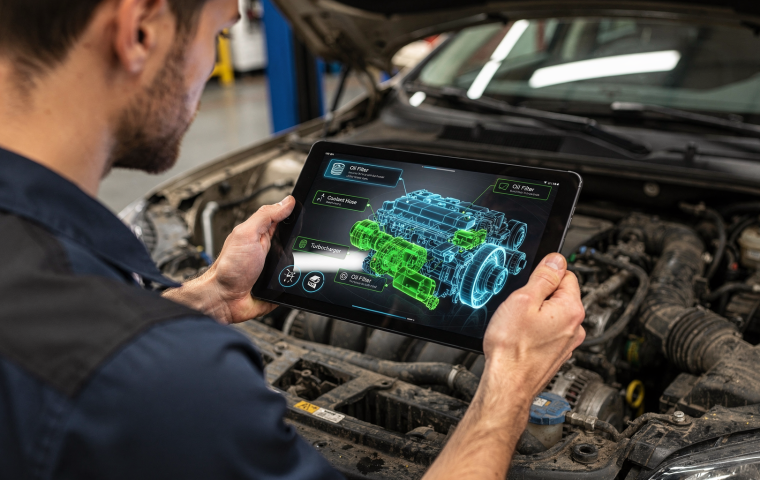
Traditional onboarding for diesel and gasoline powerplants takes months of shadowing senior mechanics. At Techcom Inc., we see shop floors losing thousands of billable hours to classroom lectures and bulky paper binders. Augmented reality engine maintenance training changes that equation by projecting visual data directly over the physical hardware.
Quantifying the Shift
The ROI of integrating augmented reality into industrial training shows up almost immediately on your balance sheet. Companies typically see a 30% reduction in first-time fix errors and a 40% drop in overall training duration within the first two quarters of deployment. When your techs get AR repair guidance for technicians right on their smart glasses, troubleshooting time plunges. That means higher shop throughput, faster client turnaround, and lower rework costs across every shift.
What hardware do technicians need to run AR engine maintenance training?
Technicians typically use ruggedized smart glasses like the Microsoft HoloLens or RealWear headsets, though standard tablets also work for basic overlay tasks. Hardware selection depends on your shop floor environment and whether your crew needs hands-free operation.
How much does it cost to implement AR repair guidance for technicians?
Implementation costs vary based on your existing CAD models and fleet complexity, but most mid-sized facilities recoup their initial software and device investment within twelve to eighteen months through reduced error rates and faster onboarding.
Can we integrate augmented reality for automotive maintenance with our existing CMS?
Yes, modern AR platforms connect directly to your current computerized maintenance management system to pull work orders and log completed steps automatically without duplicate data entry.
How Technicians Use AR for Step-by-Step Engine Repairs
- Scan and Identify: The technician looks at the engine block, and the AR system instantly recognizes the specific model using spatial mapping.
- Receive AR Work Instructions: Holographic arrows and floating text appear on the exact bolt or component that needs attention, guiding the mechanic without paper manuals.
- Execute Diagnostic Checks: Real-time sensor data overlays onto the physical part, displaying temperature, pressure, or wear levels directly in the user’s field of view.
- Verify Torque and Assembly: The software confirms proper torque specs and correct part placement before letting the mechanic move on to the next phase of the overhaul.
- Log and Close: The system automatically records the completed workflow in your maintenance database, saving the technician from filling out paper logs at the end of the day.
Discover how Techcom Inc helps industrial fleets modernize their shop floors using augmented reality engine maintenance training, smart AR work instructions, and proven repair workflows that cut downtime and boost technician efficiency.
How AR is Used in Engine Maintenance and Repairs
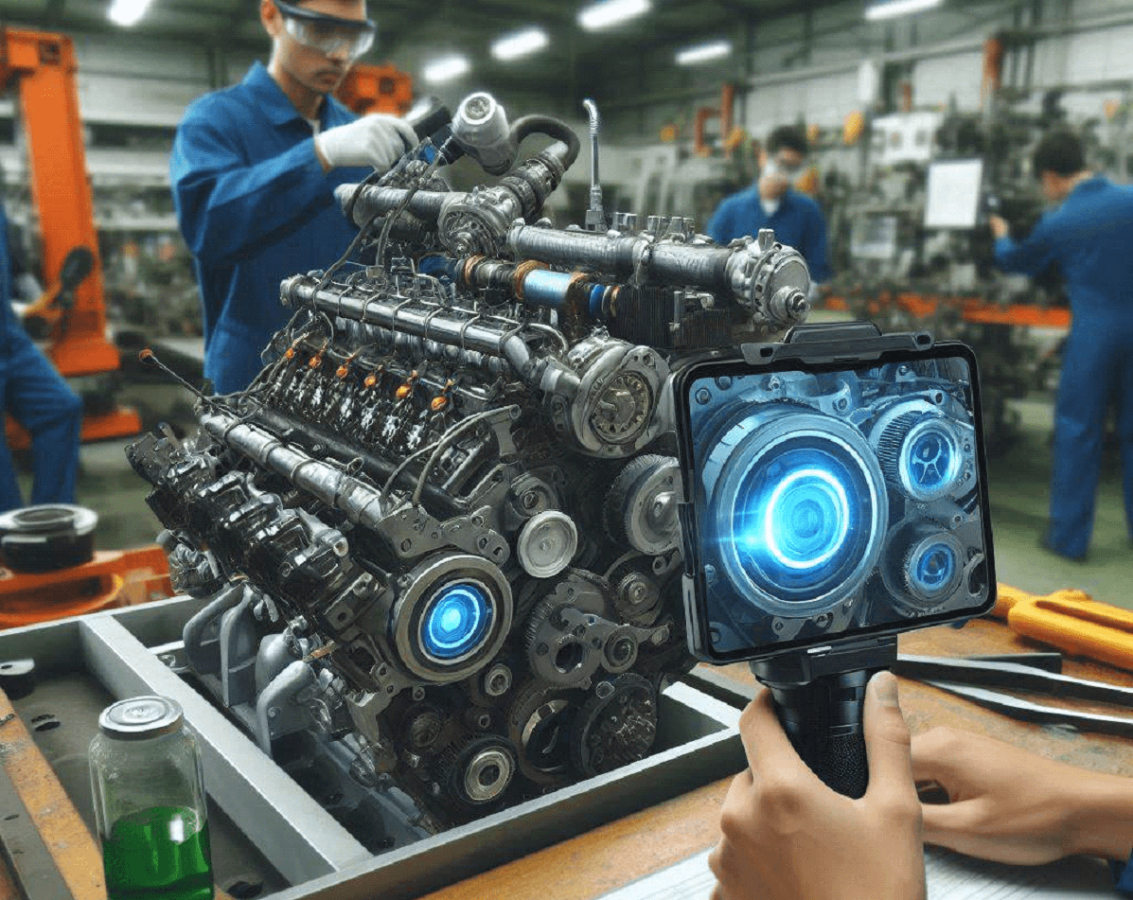
AR gives technicians real-time access to step-by-step instructions, diagrams, and expert guidance overlaid on the physical engine or equipment they are working on. This allows for hands-free operation, reducing the need to consult manuals or reference materials. AR can also highlight specific components, display part numbers, and provide animations for complex procedures, minimizing errors and increasing efficiency.
How AR is Used in the Automotive Industry
Automotive companies like Boeing, Bosch, and DHL use AR for tasks such as electrical wiring training, assisting in the picking process, and supporting automotive workshops. AR allows technicians to visualize internal components, access wiring diagrams, and receive real-time guidance from remote experts. This streamlines maintenance processes, reduces errors, and improves overall productivity.
How AR is Used in Engineering
In engineering, AR can overlay 3D models, schematics, and technical data onto real-world objects or environments. This enables engineers to visualize and interact with designs, simulate scenarios, and collaborate more effectively. AR also supports engineer training by providing immersive, hands-on experiences with virtual equipment or systems.
Difference Between AR and VR Training
In engineering, AR can overlay 3D models, schematics, and technical data onto real-world objects or environments. This enables engineers to visualize and interact with designs, simulate scenarios, and collaborate more effectively. AR also supports engineer training by providing immersive, hands-on experiences with virtual equipment or systems.
AR Case Examples
- Boeing: Uses AR for electrical wiring training, overlaying 3D images and instructions onto physical aircraft components.
- DHL: Employs AR to assist in the picking process, providing visual cues and guidance to workers.
- Bosch: Utilizes AR in automotive workshops, displaying component locations, instructions, and navigation arrows.
- US Air Force: Implements AR for jet engine maintenance training, allowing new recruits to learn faster and reduce errors.
- Peterbilt Truck Parts & Equipment: Reports time savings of up to 20% by using AR to visualize digital wiring diagrams on physical vehicles.
By leveraging AR, industries can improve maintenance, training, and engineering processes, increasing efficiency, accuracy, and productivity.
Engine Maintenance and Training Using AR
Augmented Reality AR
We combine real-world and computer-generated content! Augmented Reality is paving the way for a new era of innovation. Join the AR digital revolution to enhance customer experiences and revolutionize employee training with augmented reality maintenance, AR technician training, AR work instructions, and hands-free repair guidance.
Standard Equipment Scanning and AR Retrieval Workflow
- Technician approaches physical industrial machinery, facility infrastructure, or heavy equipment.
- Technician uses the mobile or headset camera to scan the machine’s affixed QR code or barcode tag.
- The system instantly queries the MicroMain CMMS database, matching the unique asset ID to active work orders and maintenance history.
- Techcom displays the relevant maintenance checklist, schematics, and interactive 3D augmented reality troubleshooting guides in the technician’s field of view.
- The technician completes the diagnostic task, records notes hands-free, and closes the work order directly within the integrated platform.
Techcom Maintenance Integration Overview
- Primary Service Area: [REGIONAL OR NATIONAL SERVICE AREA]
- Core Platform Focus: MicroMain CMMS and augmented reality integration
- Quantified Error Reduction: 30% decrease in field maintenance mistakes
- Training Duration Improvement: 40% reduction in technician ramp-up time
- Supported Infrastructure: General industrial facilities, manufacturing plants, and heavy equipment fleets

About TECHCOM
The company's mission is simple: solve problems. We take our clients' problems and make them our own. As a certified SBA WOSB and WBE, TECHCOM offers boutique-agency agility with the past performance of a global defense contractor — supporting programs like the OMFV, Cummins ACE, and Allison eGen Force with the technical visualization and documentation that power the modern warfighter.
Be sure to follow us for updates on social media on Facebook, X, and LinkedIn.